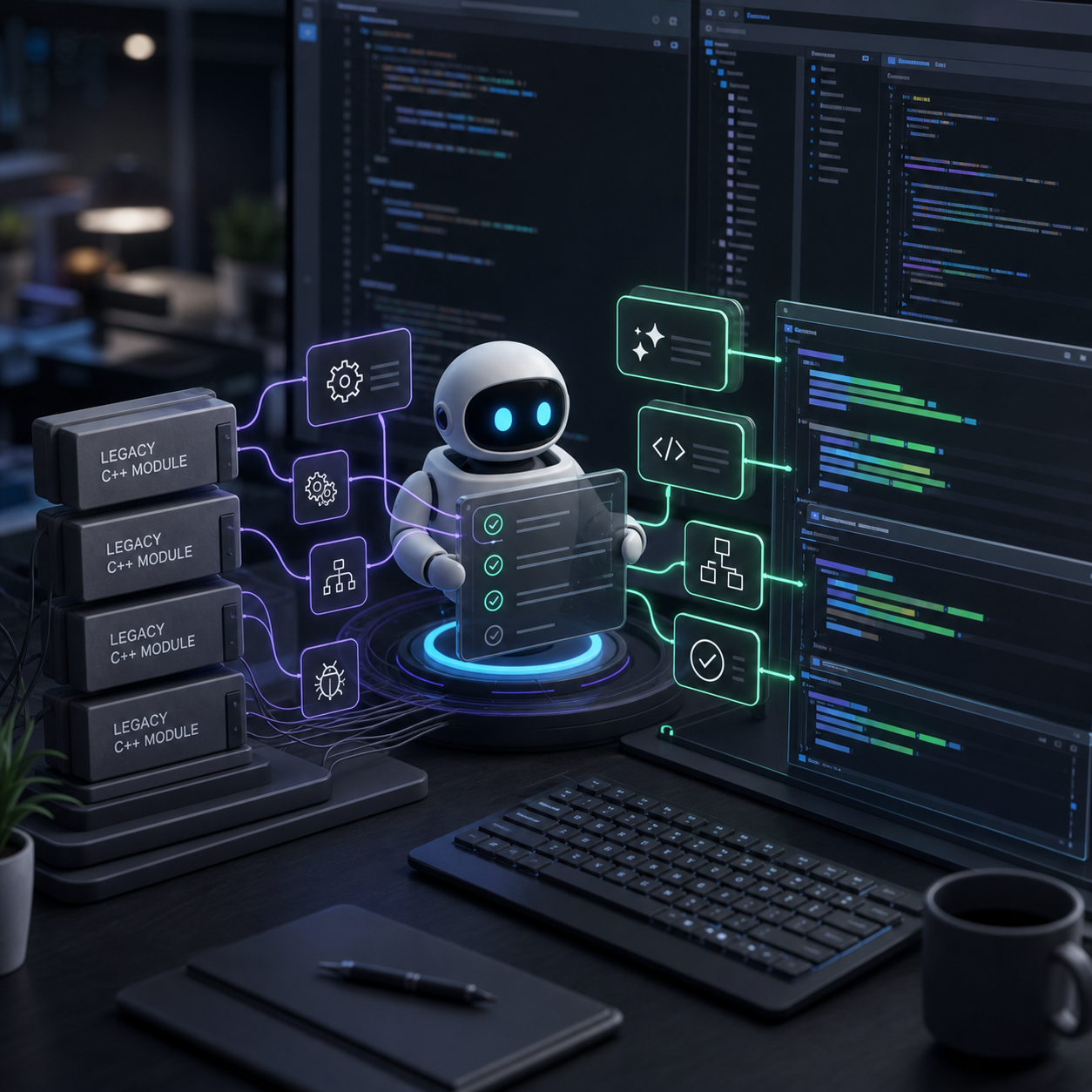
GitHub Agentic Workflows is now in public preview, giving teams a way to automate reasoning-based engineering tasks inside GitHub Actions. GitHub says teams can define tasks such as issue triage, CI failure analysis, and documentation updates in natural-language Markdown files, then compile those definitions into standard Actions YAML.
The important part is not that an agent can open a pull request. That is already common. The important part is that GitHub is trying to make agent work inherit the governance surface companies already use for Actions: runners, permissions, policy constraints, sandboxing, and review steps.
The product shape is workflow first
GitHub’s June 11 changelog says Agentic Workflows uses coding agents inside GitHub Actions. The input is natural-language Markdown. The output is a normal workflow that runs in the Actions system.
That matters because enterprise teams rarely want a separate automation island. They already have runner groups, approval rules, secrets policies, protected branches, and compliance expectations wrapped around CI/CD. If agent automation lives inside that surface, it has a better chance of being adopted by teams that cannot let autonomous tools operate in an ungoverned side channel.
GitHub says agentic workflows run with read-only permissions by default and inside a sandboxed container behind an Agent Workflow Firewall. It also describes safe-output validation and a dedicated threat-detection job that scans proposed changes before they are applied.
Governance is becoming the feature
The adjacent Copilot code-review update points in the same direction. GitHub says organization admins can now set a default runner type for Copilot code review and lock that setting so it overrides repository-level configuration. The same configuration can apply to Copilot code review and Copilot cloud agent if both are enabled.
GitHub also says Copilot code review now respects content exclusion settings at the repository, organization, and enterprise levels. That means teams can block specified files or paths from being used during review. The old 4,000-character limit for custom instructions under .github was also removed.
These are not flashy model features. They are the controls that let a company decide where an agent runs, what it can read, what instructions it must follow, and what path its output takes before touching code.
This is a follow-up to agent-first IDE work
The AI Feed covered GitHub’s recent agent-first IDE direction in VS Code and Visual Studio. Agentic Workflows is the repository and automation side of the same shift. The agent is no longer only sitting in an editor chat. It is being positioned as a repeatable system actor for maintenance, review, triage, reporting, and remediation.
That can be useful. It can also create new failure modes. A bad issue triage decision is annoying. A bad dependency update, security remediation, or multi-repository documentation change can create real operational drag. GitHub’s safety controls are therefore not decoration; they are the product boundary.
The public-preview label matters too. Teams should treat this as something to test on low-risk workflows first. Good candidates are tasks with clear inputs, reviewable outputs, and low blast radius: labeling issues, summarizing CI failures, drafting docs updates, or opening pull requests that still require human approval.
What teams should test first
The first test is permissions. Confirm what the workflow can read, which runner it uses, and whether content exclusions apply the way your security team expects. The second test is output handling. An agent that drafts a pull request is different from one that can apply changes directly.
The third test is reproducibility. If a Markdown workflow definition becomes part of your automation system, it should be versioned, reviewed, and treated like code. The natural-language layer makes setup easier, but it also makes ambiguity easier to hide.
The broader lesson is that coding-agent competition is moving from “can it write code?” to “can the organization govern it?” GitHub’s advantage is distribution and workflow gravity. The risk is that teams automate before they understand the controls.
For readers tracking coding agents and model infrastructure, see our AI model leaderboard and AI company tracker.