OpenAI made Lockdown Mode available across ChatGPT account types and workspaces in its June 4, 2026 ChatGPT release notes. The setting is for users and organizations that would rather disable some network-connected features than accept the full data-exfiltration risk that can come with prompt injections.
The practical trade is clear. When Lockdown Mode is on, OpenAI says ChatGPT restricts live web browsing, deep research, agent mode, Canvas networking, file downloads, and parts of web-derived image support. For personal accounts and self-serve ChatGPT Business, it also blocks live connector access and connector write actions while allowing connectors that use synced data.
The security switch has a product cost
Lockdown Mode is not a background hardening change. It is a visible mode that changes what ChatGPT can do.
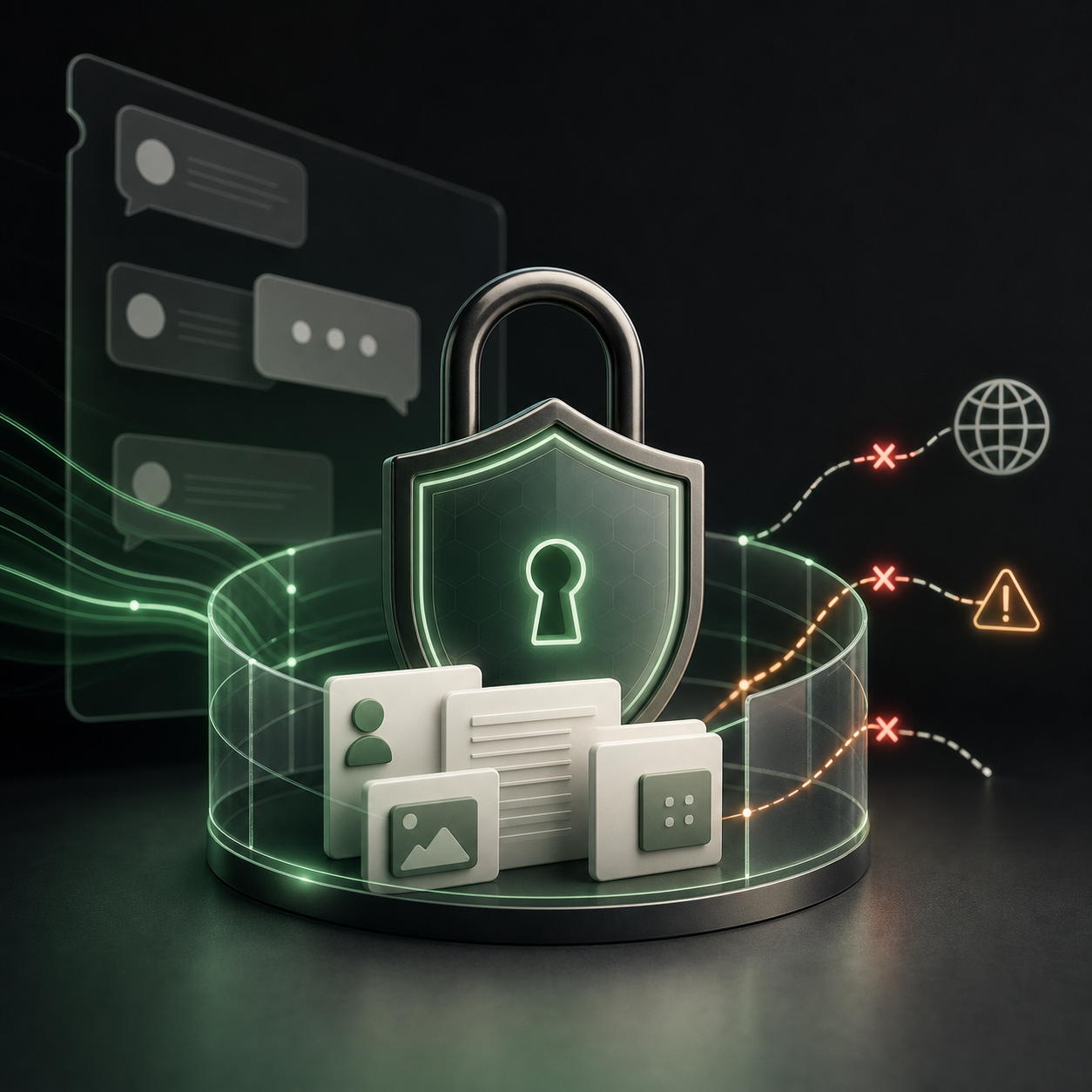
That matters because prompt injection is not only a model problem. It becomes more dangerous when a model can read private context, follow instructions hidden in outside content, and then send data out through a browser request, connector action, generated link, or file. OpenAI’s Help Center frames Lockdown Mode around the final stage of that chain: limiting outbound network requests that could transfer sensitive data to an attacker.
The cost is that some of ChatGPT’s most useful work surfaces become unavailable or narrower. Live web browsing is limited to cached content. Deep research and agent mode are disabled. Canvas-generated code cannot be approved for network access. ChatGPT cannot download files for data analysis, though it can still work on files a user uploads manually.
That is a reasonable bargain for some work and a bad bargain for other work. A user handling sensitive internal documents may prefer a locked-down chat that cannot browse live sites or write through connectors. A user doing open-web research will probably turn it off for that conversation.
Connectors become the admin problem
The most important part for teams is not the personal toggle. It is how Lockdown Mode interacts with apps, connectors, MCPs, and workspace roles.
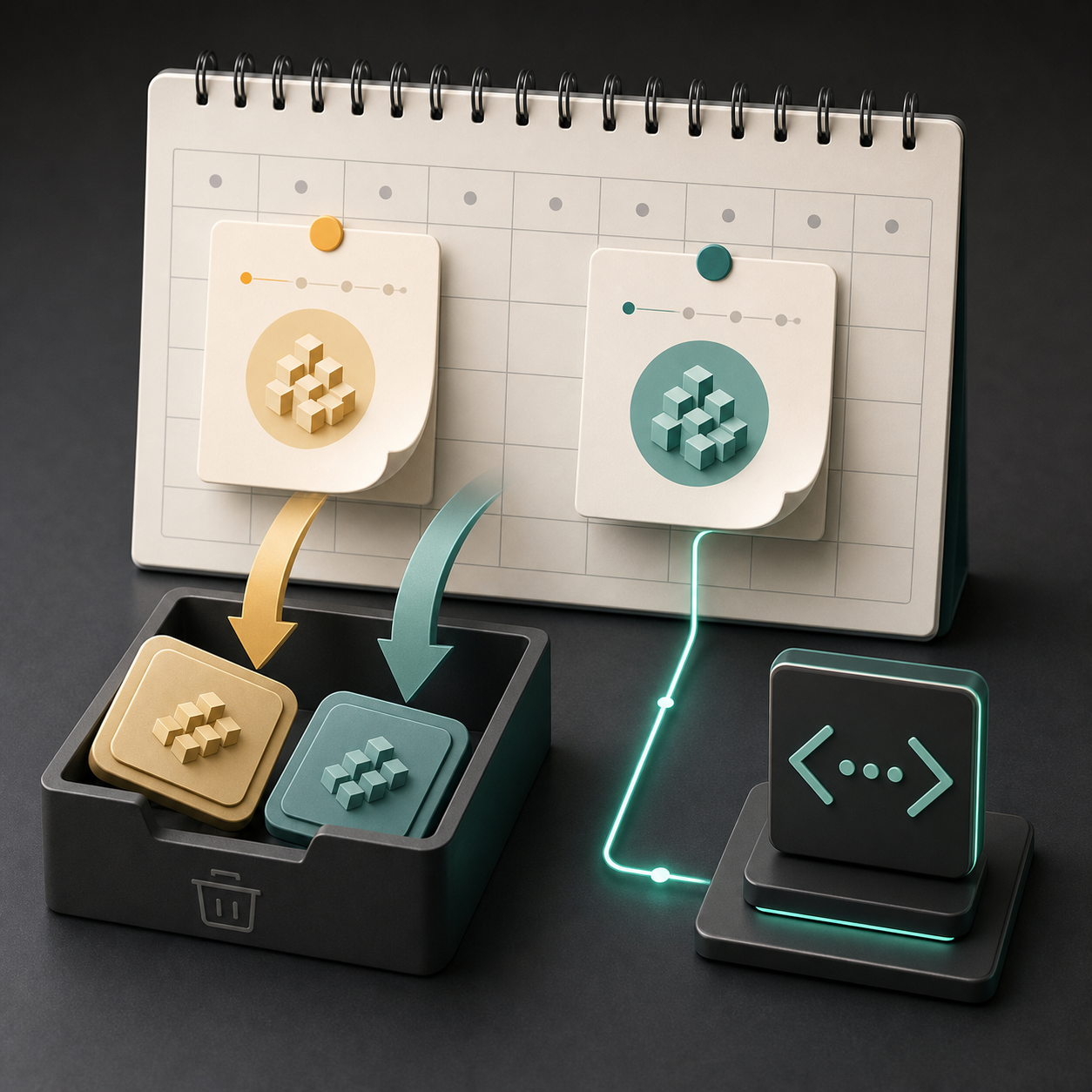
For personal accounts and self-serve ChatGPT Business, OpenAI says Lockdown Mode allows synced-data connectors but blocks live connector access and connector write actions. In managed workspaces, OpenAI does not automatically disable every app. Workspace admins still control apps, MCPs, connectors, and actions through settings and role-based access controls.
That makes Lockdown Mode less like a universal kill switch and more like a stricter policy layer. Admins still have to decide which apps are trusted, which actions are allowed, and whether a write action could create a side effect that a malicious actor can see.
What it does not change
OpenAI lists several limits that teams should not miss. Lockdown Mode does not change memory, file uploads, conversation sharing, or whether conversations may be used to improve models. It also does not change Compliance API Logs Platform behavior.
The Codex caveat is equally important. OpenAI says Lockdown Mode does not affect network access in Codex. A company that uses ChatGPT Lockdown Mode for sensitive-document workflows should not assume the same setting governs software-development agents or repo-connected environments.
There is also a usability caveat. Lockdown Mode and Developer Mode cannot be used at the same time for eligible personal and self-serve ChatGPT Business accounts. Turning one on turns the other off.
The practical read
The right way to evaluate Lockdown Mode is by workflow, not by user title. Start with the data: which chats include customer records, unreleased financials, source files, internal strategy, credentials, or private research? Then ask which features those chats truly need.
If the work only needs uploaded files and conversation context, Lockdown Mode is a strong default. If the work needs live web research, active connector writes, or agent mode, the team should document why that capability is needed and what source-system permissions limit the blast radius.
For admins, the next check is app inventory. OpenAI’s own risk guidance puts untrusted read/write actions and broad write side effects in the danger zone. A locked-down role is useful only if the connected apps and actions are reviewed with the same discipline.
For broader OpenAI coverage, see our OpenAI company profile and the AI model leaderboard.